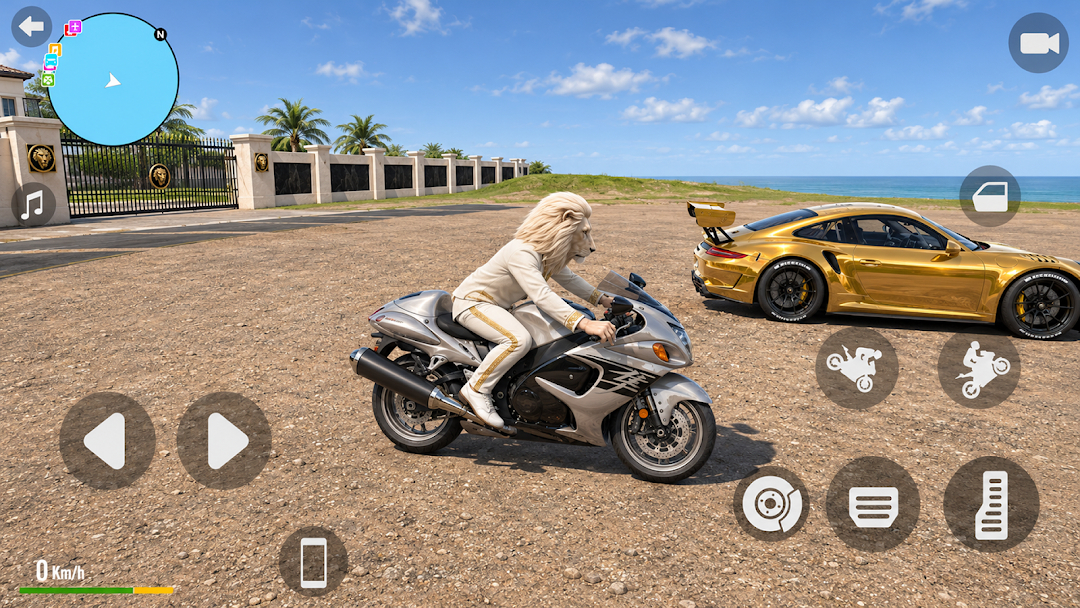
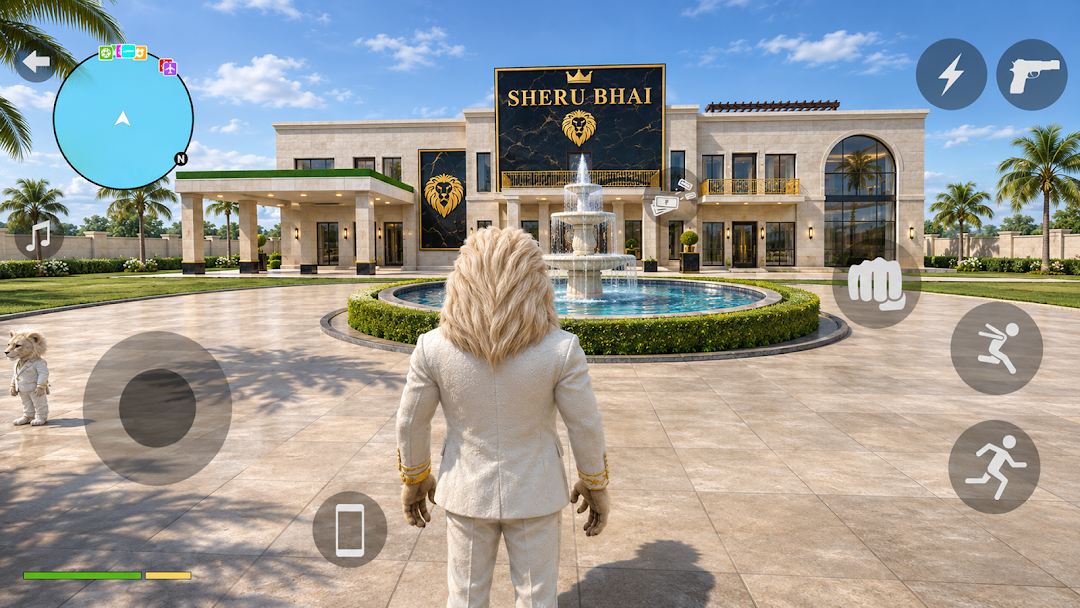
What Is the VIP Convoy in Sheru Bhai Game?
One of the biggest reasons Sheru Bhai went viral on Instagram Reels and YouTube Shorts is the royal VIP convoy entrance—a line of sleek black luxury SUVs and supercars rolling out from the Royal Hill Gold Mansion with Sheru Bhai in a white-and-gold suit surrounded by companions and bodyguards. In Sheru Bhai Life Simulator Game (by Skorax), you can stage these exact convoy parades offline using the in-game Royal Phone and open mansion driveway.
How Do You Set Up a VIP Black Convoy for Gameplay & Reels?
- Start at the Royal Hill Driveway: Begin outside the grand entrance of the gold mansion where the road is wide enough to line up multiple vehicles cleanly without traffic collisions.
- Equip Your Royal Suit First: Visit the mansion wardrobe to put on Sheru Bhai's signature white-and-gold suit, crown, and dark shades so your character stands out against dark luxury SUVs.
- Summon Matching SUVs via Royal Phone: Open the gold-and-ivory Royal Phone icon on the HUD and spawn black luxury SUVs or matching supercars spaced evenly along the driveway.
- Stage Your Walkout & Money Throw: Stand in front of the lead vehicle, rotate the right-side camera to a low front angle, walk slowly forward, and tap the Money Throw button before hopping into the driver's seat.
Best Convoy Routes Across the 3D Island
| Route | Starting Point | Why It Looks Great |
|---|---|---|
| Royal Hill Descent | Mansion Front Gate -> Main Hill Road | Elevated camera shows the mansion pillars behind your vehicles |
| Downtown Strip Cruise | City Main Boulevard | Wide paved lanes with clean lines for high-speed supercar rolls |
| Coastline Sunset Run | Island Beach Highway | Open horizon with fewer tight corners—easiest for smooth video capture |
Explore all landmarks along these routes in our Sheru Bhai Game 3D Island Map Guide.
Budget Phone Warning: How Many Convoy Cars Can You Spawn?
Each spawned luxury SUV or supercar adds 3D physics calculations. To avoid frame drops or sudden crashes:
- 2 GB – 3 GB RAM Android Phones: Keep 1 to 2 vehicles parked in one spot at a time.
- 4 GB+ RAM Phones or PC Emulator: Easily handle 3 to 4 convoy vehicles plus screen recording. Test your exact phone first with our System Requirements & Phone Checker or run at 60 FPS on desktop via our Play on PC Guide.
Player Questions & Tips