Are There Cheat Codes in Sheru Bhai Game?
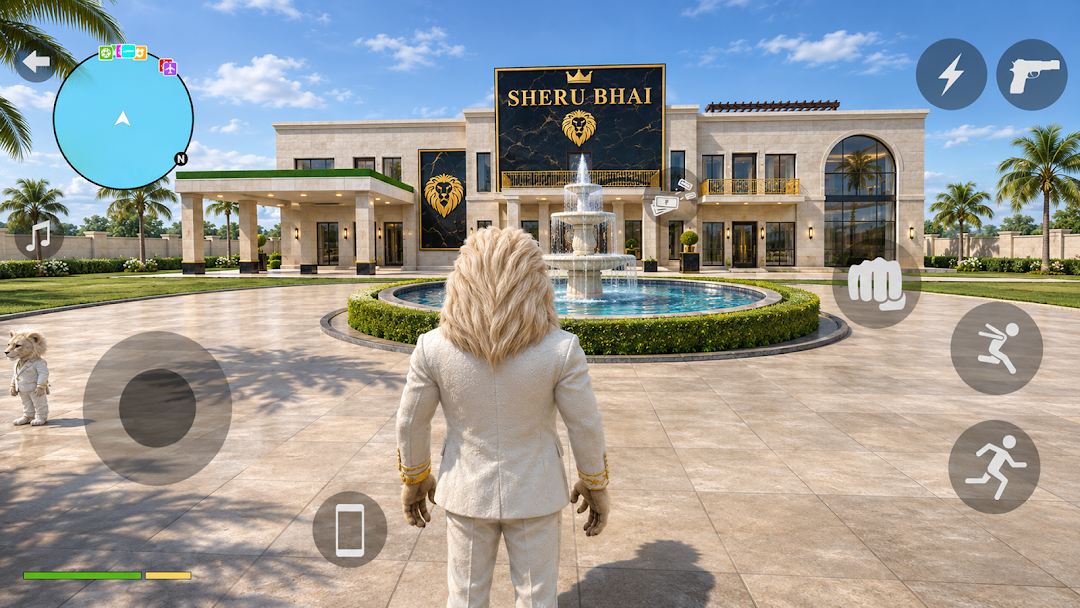
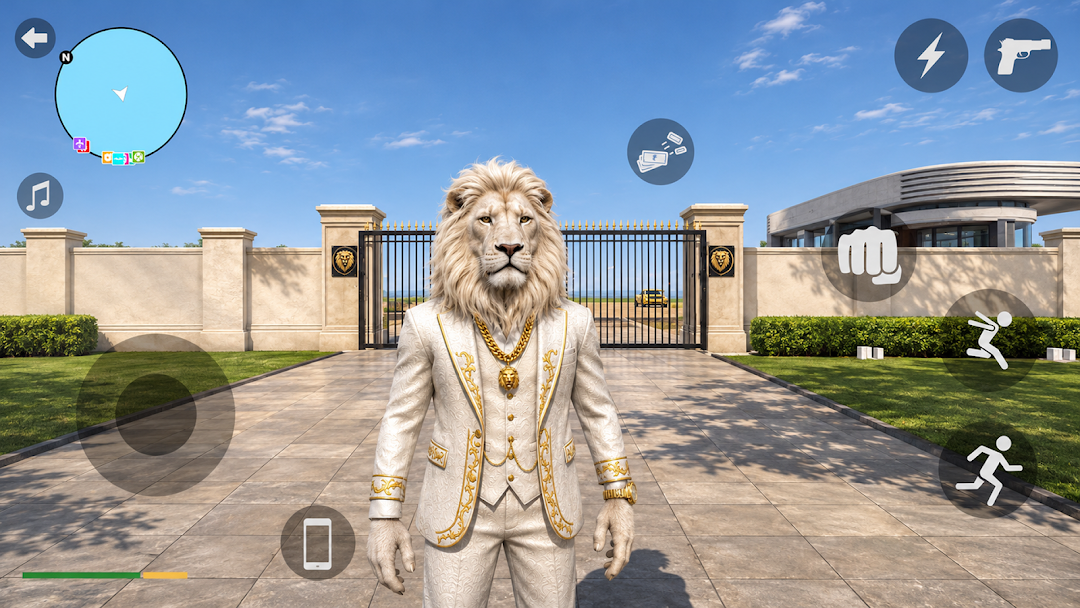
Direct answer: In Sheru Bhai Life Simulator Game (Skorax), you do not need secret 4-digit cheat codes like older Indian bike driving games. Instead, the game puts a gold-and-ivory Royal Phone right on your screen HUD—tap it to summon luxury supercars, SUVs, and air vehicles directly to your location. Use the interactive Royal Phone Codex above to check which vehicles and actions belong to Skorax vs ONLYTECH before you play.
How Do Controls Work for Walking, Driving, and Flying?
On-Foot Controls (Mansion & City Exploration)
- Left Virtual Joystick: Push gently to walk in royal style (great for Reels intros) or push fully forward to sprint across Royal Hill.
- Right Screen Swipe: Rotate the camera 360 degrees around Sheru Bhai to line up shots of your gold mansion, supercars, and outfits.
- Money Throw Button: Tap the cash action button on the HUD to trigger the signature money-shower animation anywhere on the map.
- Wardrobe Interaction: Walk into the wardrobe zone inside your Royal Hill Gold Mansion to switch between white-and-gold royal suits, crowns, and shades.
Driving Controls (Supercars, SUVs & Bikes)
- Enter / Exit: Stand beside any parked or Royal Phone–summoned vehicle and tap the door icon.
- Steering: Use the left/right arrow buttons (or wheel mode if enabled in settings) with right-side accelerator and brake/reverse pedals.
- Pro Tip for Smooth Reels: Avoid holding full throttle through sharp Royal Hill turns—tap the brake slightly before corners so the camera glides cleanly behind your supercar.
Helicopter & Air Controls
- Safe Takeoff Space: Always summon helicopters on the mansion pad, wide highway, or beach so the rotor blades clear nearby walls and palm trees.
- Altitude & Tilt: Use the vertical up/down buttons to gain height first before tilting forward toward the city skyline.
What Should You Do in Your First 5 Minutes?
- Customize Your Look: Start inside the Royal Hill mansion wardrobe and pick your favorite royal suit, crown, and sunglasses.
- Test the Royal Phone: Walk out to the front driveway, tap the gold Royal Phone icon, and spawn your first luxury supercar.
- Cruise Down Royal Hill: Follow the main road from the mansion down into the city streets to learn the map layout and camera angles.
- Try Money Throw & Convoy Shots: Park your supercar or black SUVs in an open plaza, step out, and tap the Money Throw button to recreate the viral Shorts vibe.
- Take to the Sky: Summon a helicopter in an open lot to see the full 3D island from above.
Want Motorcycles & Machine-Gun Vehicles Instead?
If you are looking for high-speed motorcycles or vehicles mounted with machine guns and cannot find them in Skorax's Life Simulator, you are probably thinking of Sheru Bhai Aura: Royal City by ONLYTECH SOLUTIONS. Compare both official Play Store apps side by side in our Skorax vs ONLYTECH Guide, or check our Safe Download Guide to install either version cleanly.
Player Questions & Tips